A QR code on the counter. Customers who come back.
We set up the card, your team stamps it with a phone and your customer always has it on them. Here’s how it works, step by step.
We design your card
Tell us your logo, your colors and the reward in 2 minutes, from your phone. We show it to you and it’s ready the same day, with the QR code for your counter.
LogoRewardSame day
Your customer saves it in 30 seconds
They scan the QR code, enter their name and email and save it in Apple Wallet or Google Wallet. No app to download.
QRNo app to downloadiPhone · Android
A stamp on every visit
Your team scans the card with the shop’s phone, each person with their own PIN. With points or cashback, they enter the amount.
PhonePINNo extra hardware
Notifications that bring them back
Reward ready, birthday, “we miss you,” near your location… And you get a report every Monday.
NotificationsReportReviews
In 1 minute
See everything Torna does.
In one minute: how your customers sign up, how your team adds stamps, how they come back on their own, and everything you see.
Already used by businesses in 19 countries
Spain
Argentina
Mexico
Venezuela
Chile
Peru
Dominican Republic
Bolivia
Costa Rica
Andorra
Guatemala
Cuba
United States
Puerto Rico
Colombia
Switzerland
Morocco
Ecuador
Panama
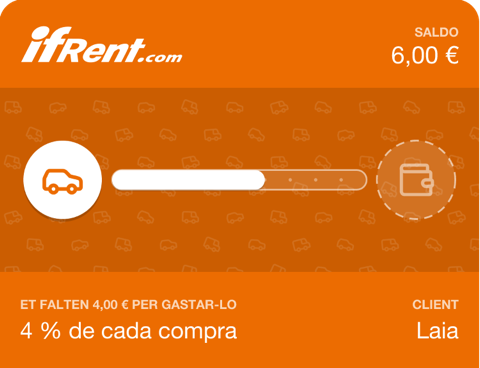
ifRentCar and van rental · 4% cashback
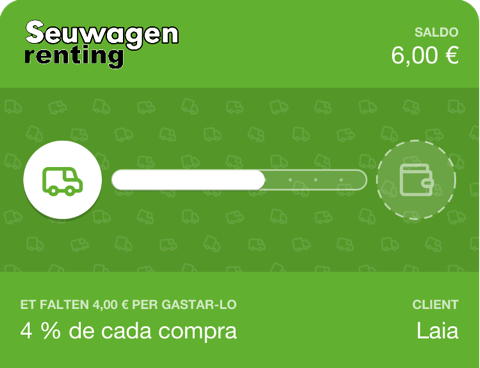
Seuwagen RèntingVan rental · 4% cashback
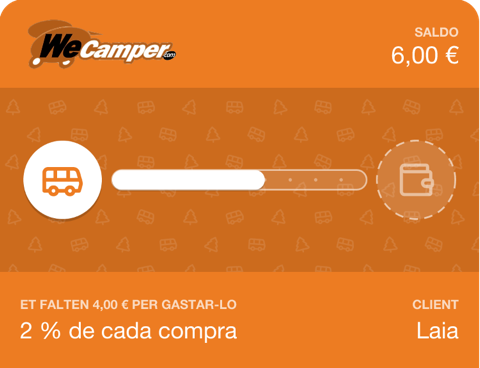
WeCamperCamper rental · 2% cashback
How it works
Built for your customers, your team and you.
Tossal Burgernow
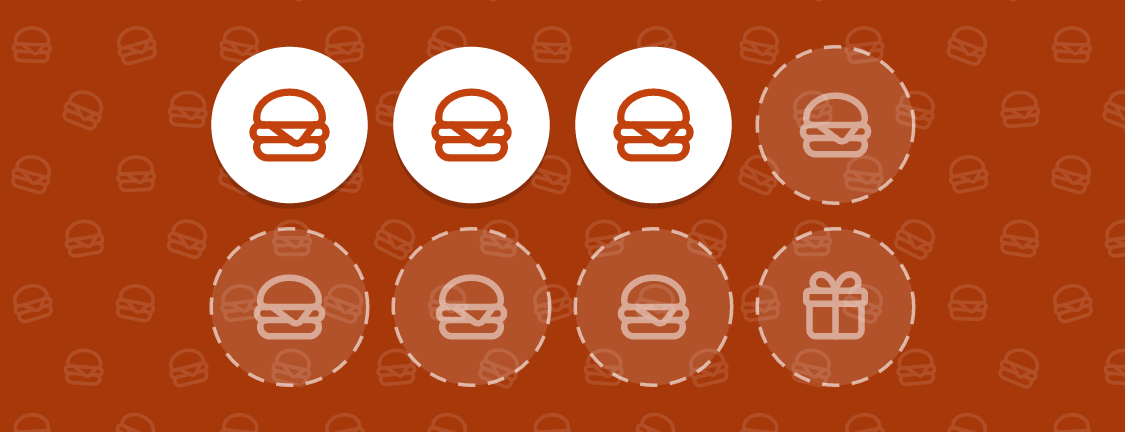
New stamp! You now have 3 of 8.
Tossal BurgerSTAMPS3/8
REWARDA free burger
CUSTOMERLaia
Your customers
They sign up in 30 seconds and the card lives on their phone.
They scan the QR code on the counter, enter their name and email and save it in their Wallet. Every stamp, point or euro of credit reaches them as a notification, in their language. And when they walk past your location, the card pops up on their lock screen.
Tossal BurgerMARC
+1 stampLaia
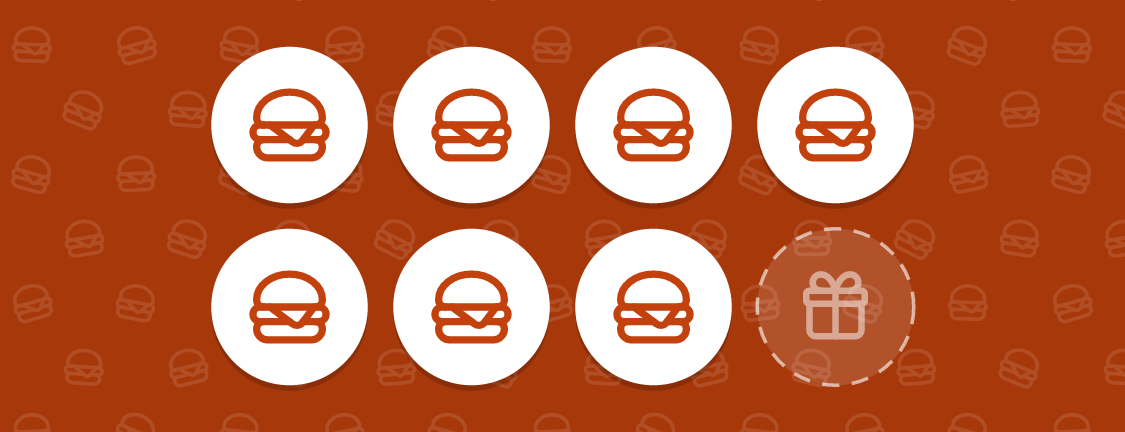
7/8 · just 1 more for the reward!
Today42stamps · 3rewards
Your team
The phone at the register is your scanner. Nothing to install.
Each person logs in with their PIN and points the phone at the card’s QR code: the stamp goes on by itself or, with points and cashback, they type in the receipt amount. If the customer has a reward ready, the screen says so. And if the connection drops, it’s sent later.
You, the owner
Every Monday at 9 a.m., your weekly report in your inbox.
No panels to check, no passwords. A short email, in your language, with what you need to know:
New customers, stamps, points or cashback, rewards and returning customers, compared with the week before.
How many stamps, points or cashback each person on your team has given.
How many notifications went out and how many customers came back afterward.
Where new customers come from: invited by a friend or with a coupon.
TornaWeekly report
Oct 6 – 12
Tossal Burger
Here’s how your loyalty program did last week.
New customers23▲ 5vs. last week
Stamps148▲ 12vs. last week
Rewards redeemed9▲ 2vs. last week
Returning customers61▲ 7vs. last week
Stamps per person
PersonStampsRewards
Marc644
Núria513
Jan332
Card notifications
📣 Business notifications212 customers · 41 came back
👋 We miss you18 customers · 5 came back
🎂 Birthdays4 customers · 2 came back
Opportunities
17 customers are 1 or 2 stamps away from a reward.
12 customers haven’t been in for more than 3 weeks.
Example with made-up data
And on the 25th, ideas for next month. 3–5 suggestions built from your data and Andorra’s season: notifications with the text already written, plus ideas for your shop, Instagram or coupons. Reply with the number and we’ll prepare it in five languages and show it to you before it goes out.
TornaMarketing ideas
Tossal BurgerNovember
1 · Phone notificationWin back customers who stopped coming
Who12 customers who haven’t been in for over 30 daysWhenThe first week of the month
Notification text“It’s been a while, Laia! 👋 We’re waiting for you at Tossal Burger: your card keeps counting.”
2 · NotificationMake the most of All Saints’ Day
3 · CouponHand out the BENVINGUDA coupon
4 · In-storeGet customers to bring friends
Reply with the number (e.g., “1”): we’ll prepare it and show it to you before it goes out.
Notifications
What the card does for you.
Notifications on your customers’ lock screens, with your logo. Most go out on their own; the monthly ones you write yourself from your dashboard, or we suggest them and write them for you.
Tossal Burgernow
Your free burger is waiting! 🍔 Show your card at the register.
Reward readyAll plans
Perruqueria Aura1h ago
We haven’t seen you in a while, Laia. You’re 1 stamp away from a free haircut ✂️
We miss youAll plans
Roda Lloguernow
Happy birthday, Laia! 🎂 We’ve given you 100 points.
BirthdayAll plans
Esports Cimnow
📍 You’re nearby! This season’s ski wear has just arrived.
NearbyAll plans
Perruqueria Aurayesterday
Thanks for coming back, Laia! Would you leave us a Google review? ⭐
Google reviewAll plans
Esports Cim2h ago
Invite a friend: when they come in, you both get €5 in credit 🎁
Invite a friendGrowth
Roda Llogueryesterday
Congratulations, Laia! 🎉 You’re now Silver: 5% off every rental.
New tierGrowth
Tossal BurgerMonday
This Tuesday, 2-for-1 burgers, only with the card 🍔
Monthly notificationGrowth · +5 €
📍 How the walk-past notification works
When we set up your card, we add your shop’s address.
Your customer walks past with the card saved on their phone.
Your notification shows up on their lock screen, with your logo. No app needed.
Why Wallet
A notification people actually see.
Channel
Email
SMS
Wallet card
Where it lands
In the inbox, among promotions and spam
In their messages
On the lock screen, with your logo
You pay per message
Depends on the tool
Yes
No, it’s included
Notification when they walk past
No
No
Yes
Stamps and reward always at hand
No
No
Yes
Questions
Day to day, no fine print.
Do customers have to sign up?
Only the first time, and it takes 30 seconds: they scan the QR code, enter their name and email (and birthday, if they like) and save it to their Wallet. No app to download, no passwords.
How do you add a stamp?
With the shop’s phone or tablet: your team opens the scanner, scans the customer’s card and taps “Stamp.” With points or cashback, they enter the receipt amount.
Do I need to install anything in my shop?
No. The scanner is a web page you add to your phone’s home screen. No extra devices, and no need to change your register.
Does it work on iPhone and Android?
Yes: on iPhone it goes in Apple Wallet, and on Android in Google Wallet. Both already come on the phone.
What do I get?
Every Monday, a report in your inbox: new customers, who comes back, who hasn’t been in for a while and what each person on your team has done. With the Growth plan, or with +Marketing on Essential, ideas for next month on the 25th of each month.
Can I stop people from cheating?
Yes. Every stamp is logged with the PIN of the person who gave it, and there’s a minimum wait between stamps so no one can get two in a row.
Let’s talk
Ready to bring your customers back?
Design your card in a minute and we’ll email it to you shortly, with your logo, free and with no obligation. Or write to us.



 Tossal Burger